🚚 Tracked delivery to over 140 countries. Track my order
Currency
Decoding capability : 1080P (Full-HD)
Hard drive capacity : <100GB
Certification : CE, FCC, RoHS
Choice : yes
Connectors : HDMI-compatible
Transmission Distance : <50m
Function : Multiple-Input Single-Output
Image format : JPEG
Video format : AVI,DivX,MKV,DAT,VOB,MPG,MPEG,MOV,MP4,RM,RMVB,WMV
Wi-Fi frequency : 5GHz
Brand name : LVMAO
Model Number : Q2 ultra
Origin : CN (Origin)
Chemical of high concern : None
Resolution : 4K
Operating System : Android
Type : High definition
Item Type : TV Key
Antenna Type : Internal
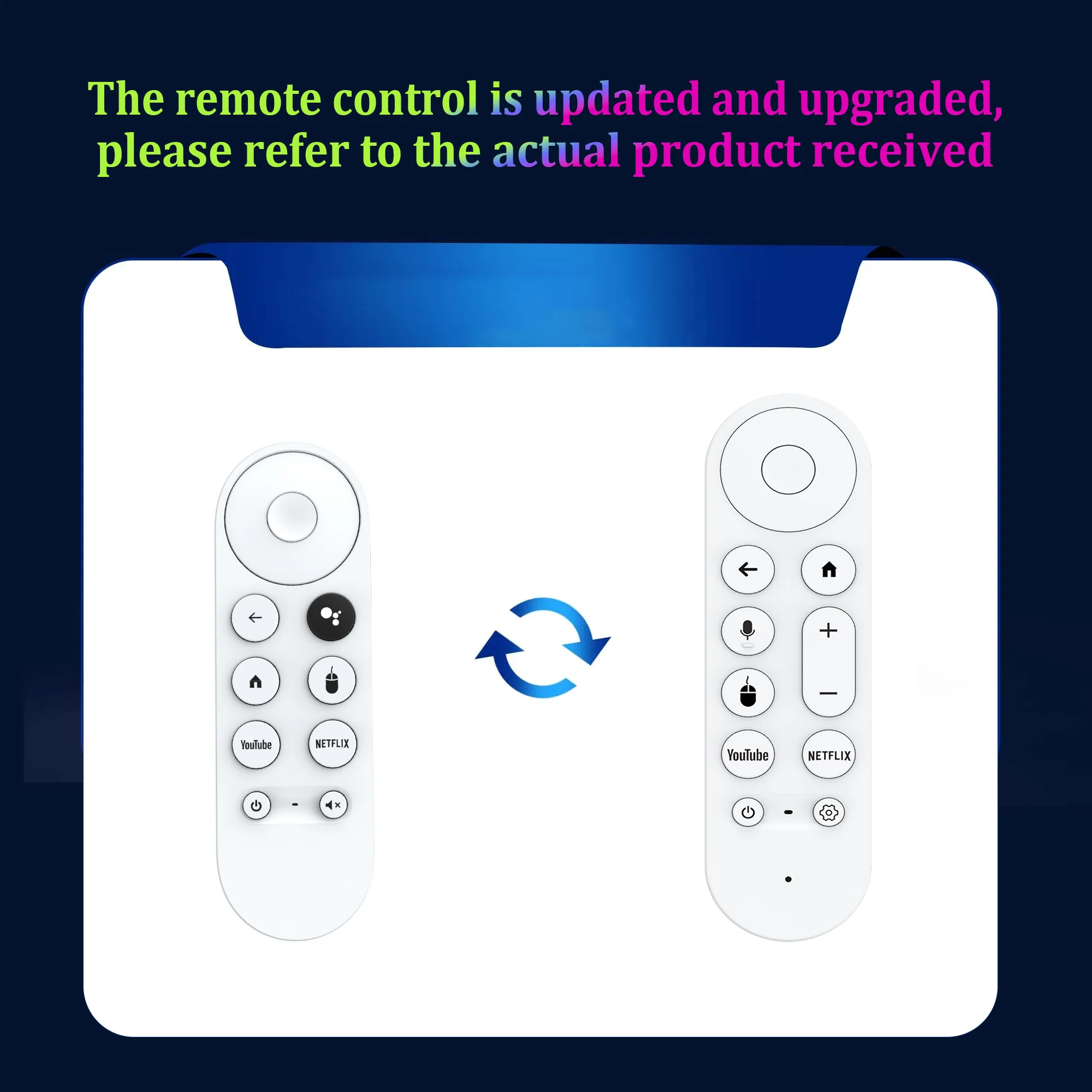
Remote control : Included
Wi-Fi Range : 50 meters
battery : no
loudspeaker : no
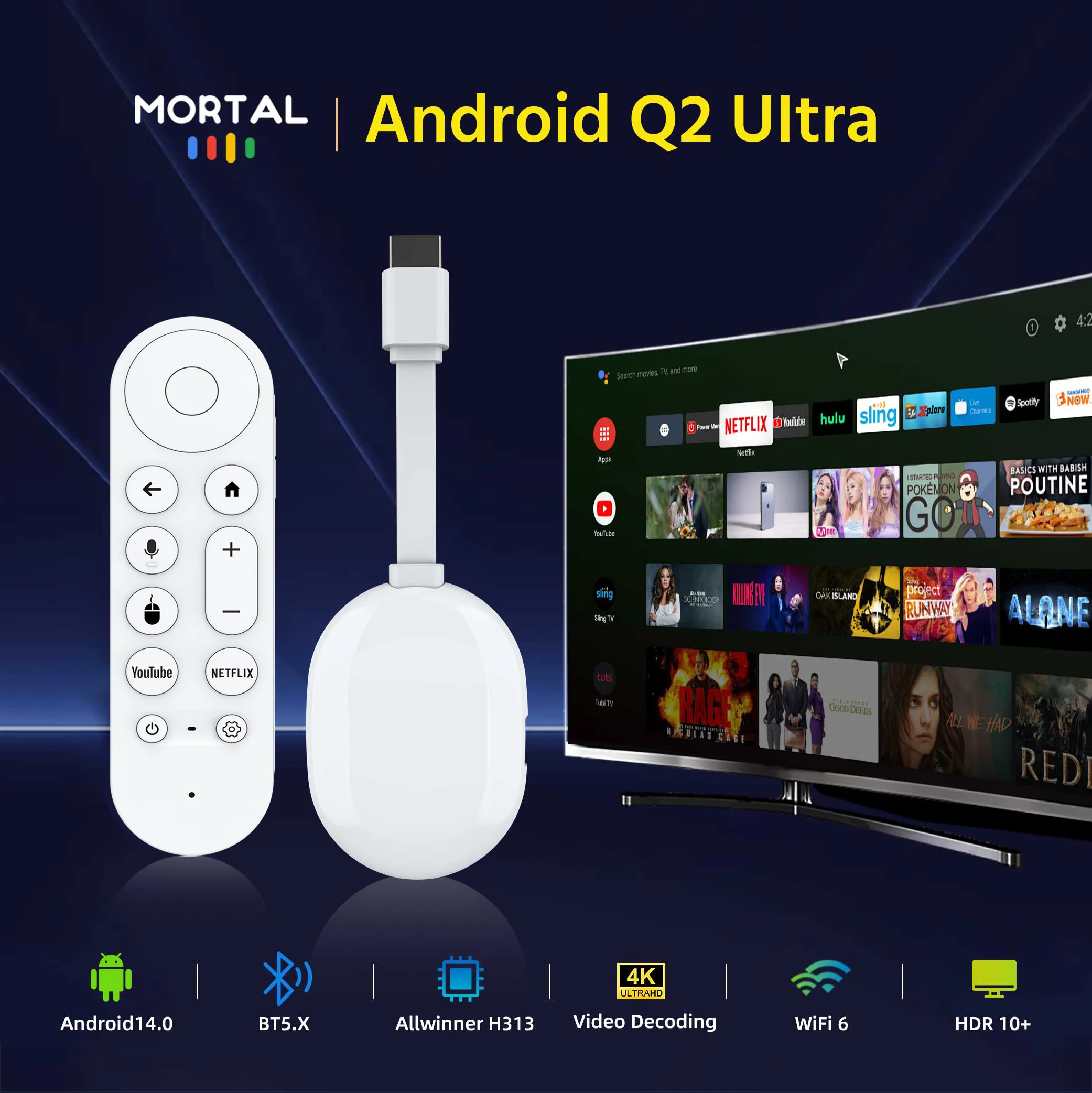
Android TV Stick Smart 4K Home Cinema Mortal Q2 Ultra AllwinnerH313 Netflix YouTube Wifi6 Bluetooth Chromecast Voice Remote


Superb 4K streaming made easy: exploring popular apps, plus tons of free movies, shows and live TV, is as simple as it is fun.
Breathtaking picture quality: An incredibly sharp 4K image brings out rich detail in your entertainment with four times the resolution of HD. Watch colors leap off the screen and enjoy lifelike clarity with Ultra Vision and HDR10+.
Seamless streaming for any room: With the Streaming Stick 4K, watch your favorite entertainment on any TV in the house, even in rooms farther from your router thanks to the long-range Wi-Fi receiver.
Compact without compromise: Our sleek design won't block neighboring HDMI ports, so you can easily switch between streaming and gaming. Plus, it's designed to stay hidden behind your TV, keeping cables neatly out of sight.
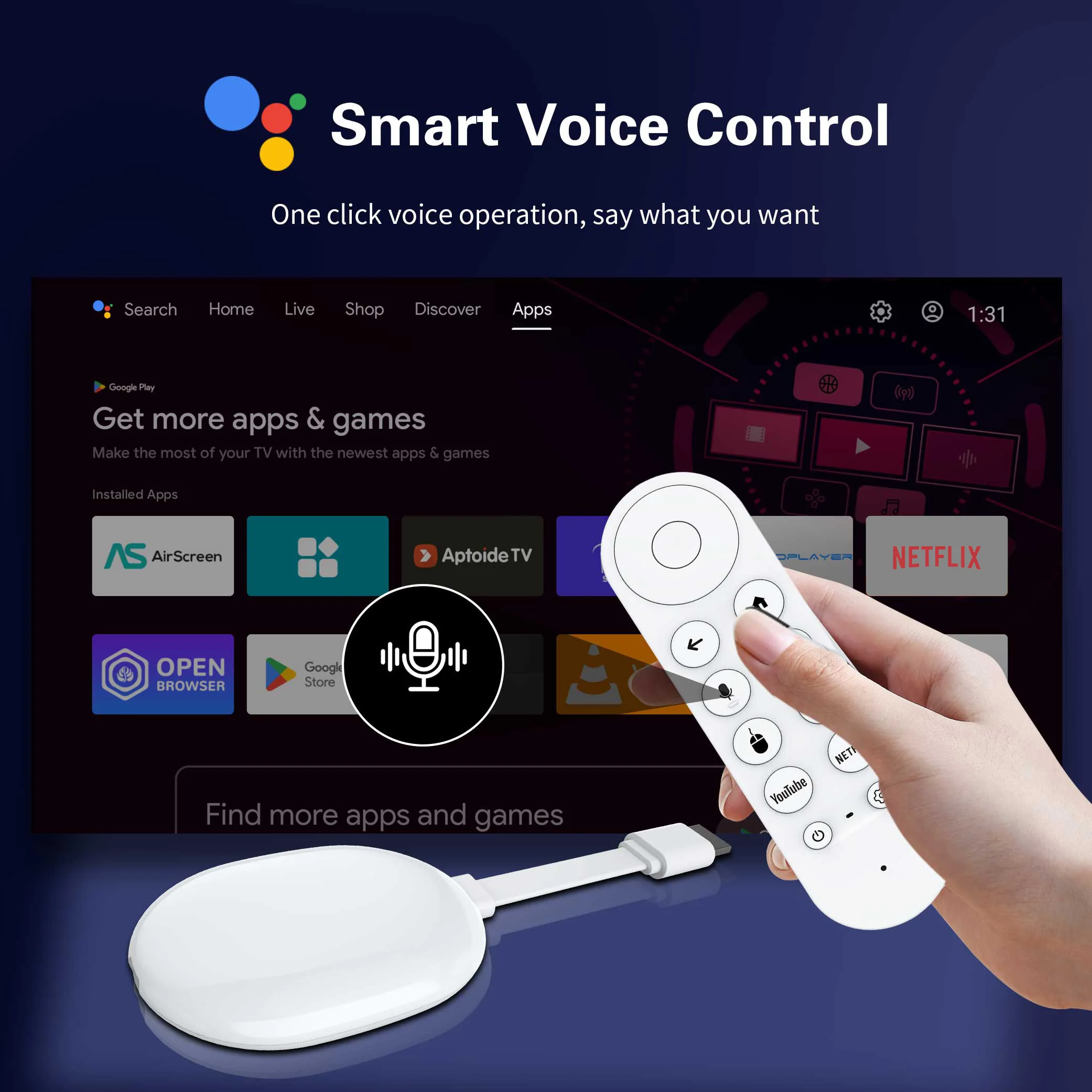
Use your voice to search, quickly play entertainment, and much more.
Take your favorite TV with you : Thanks to the portable design of this player, you can take your TV with you when you travel, without connecting to someone else's device.
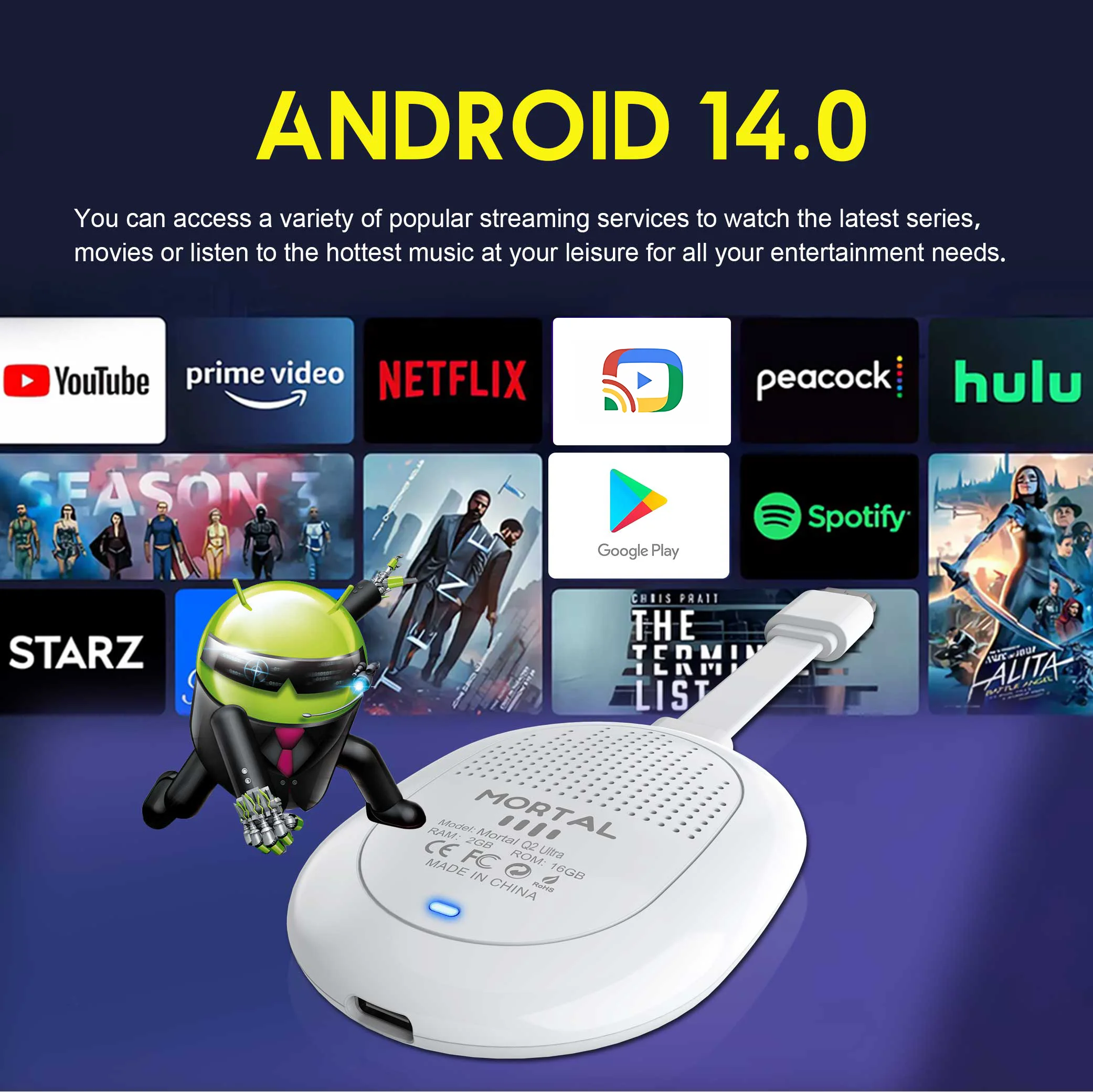
All the major apps: Never ask "Where's that stream?" again. Now all the major apps are in one place, so you can always stream your favorite shows, movies, and much more.
How do I install the Q2 Ultra TV Stick?
1: Connect the HDMI port of the TV Stick to the HDMI port of the television.
2: Connect the TV key to a 100-240V power outlet using a 5V, 2A power plug.
3: Wait for the machine to start automatically, open the network settings, connect to the network and you will be able to browse the Internet normally. 
Associated with the Android 14 system
All the main applications are in one place
so that you can always stream your favorite shows, movies and much more.

Combined with the latest WIFI6 technology
Smooth diffusion for any room
Watch your favorite entertainment on any TV in the house,
even in rooms further from your router thanks to the long-range Wi-Fi receiver

8K encoding, 4K HDR image quality
An incredibly sharp 4K image brings out rich detail in your entertainment with four times the resolution of HD.
Watch the colors come out of your screen

Ultra-high frequency processor
powered by Allwinner H313 Quad-core ARM Cortex A53
Support for 2GB RAM + 8GB ROM] [2GB RAM + 16GB ROM], which ensures that the Android box runs more stably and faster for loading movies, pictures and playing games without buffering.

Voice search and control
Search, quickly play entertainment, and control your streaming device with the voice remote.


INTEGRATED CHROMECAST
Stream your favorite entertainment and apps from your phone,
tablet or laptop directly to the big screen

Super heat dissipation
Multiple vents help dissipate heat from the machine, making it safer and more convenient.

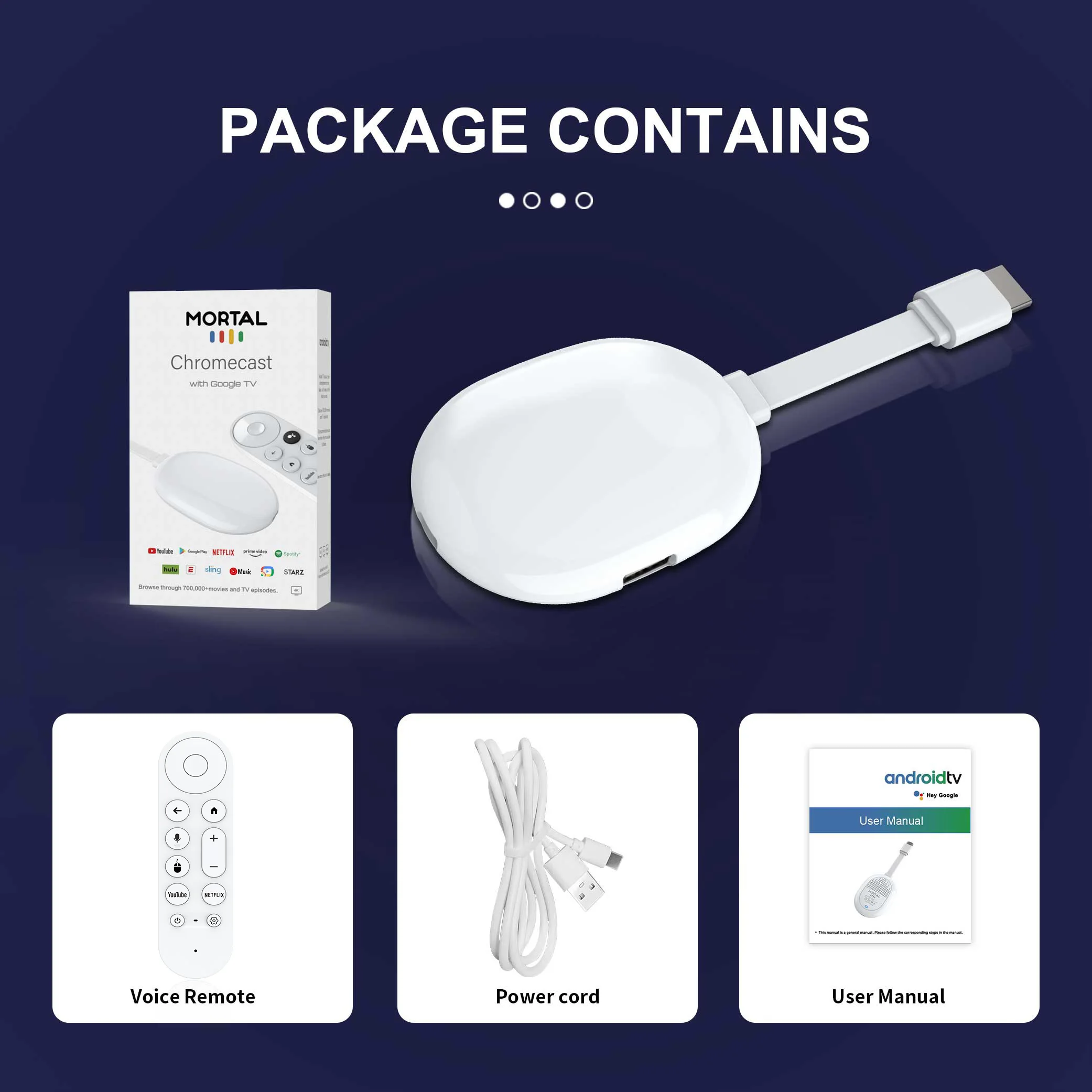
What's in the box
1 * Q2 Ultra TV Key
1 * voice remote control
1 * HD cable
1 * USB power cord
1 * user manual

How do I use Netflix?
Step 1, please confirm that the machine's network is connected;
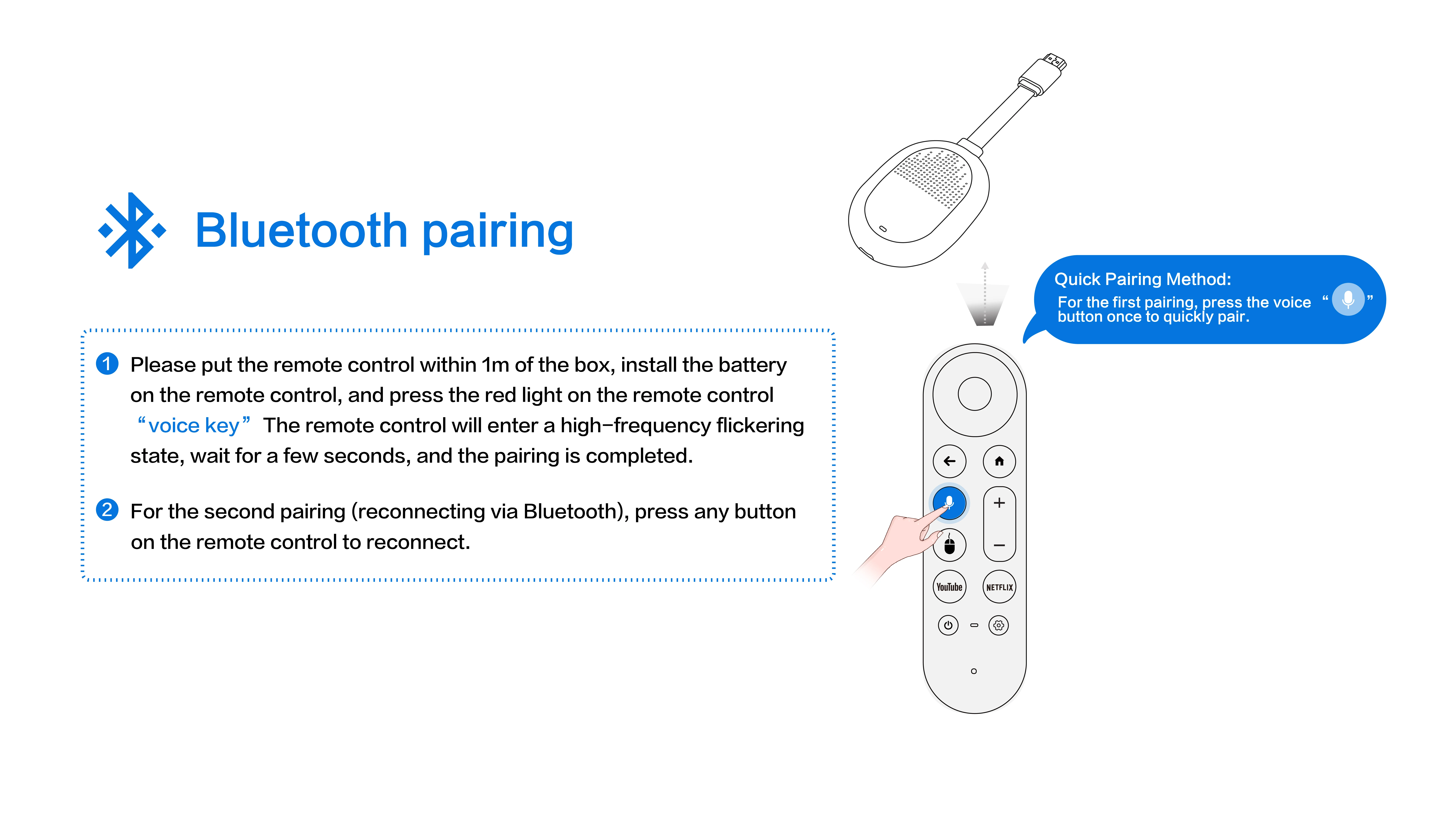
Step 2, locate the black Netflix icon, press Enter, press the mouse mode button on the remote control, switch the remote control to mouse mode, press continue to the next step, a pop-up window will appear to access the account password interface;
Step 3, click the mouse button again to switch back to remote control mode, enter your account password, and log in successfully.
Step 4, click the mouse mode button on the remote control again, switch the remote control mode back to mouse mode and click on the desired source to watch it normally.
If you are experiencing slow WiFi speeds
Please check if your router supports WiFi 6 and is compatible with WiFi 5. Our device supports WiFi 5, while some WiFi 6 routers only operate in HAX mode on the 5 GHz frequency and do not support AC WiFi 5 compatible mode. This may result in slower speeds.
The remote control cannot navigate certain applications.
This is a common problem with most Android TV boxes, which make it difficult to navigate certain apps using the remote control. This is because these apps are primarily designed for tablets and phones with touchscreen or mouse settings. You can connect a wireless mouse or keyboard to control it, or click the mouse button on the remote to switch from remote control mode to mouse mode.
If your TV key needs to be restarted after a period of use
Some of the applications you have installed may not be compatible, or some data may be corrupted. It is recommended to perform a factory reset in the settings.

Vous pouvez retourner la plupart des articles neufs, non ouverts dans les 30 jours suivant la réception pour un remboursement complet.
Comment retourner ?
Connectez-vous à votre compte → Mes commandes → sélectionnez la commande → cliquez sur Retourner l’article. Un e-mail de confirmation vous sera envoyé dès traitement.