🚚 Tracked delivery to over 140 countries. Track my order
Currency
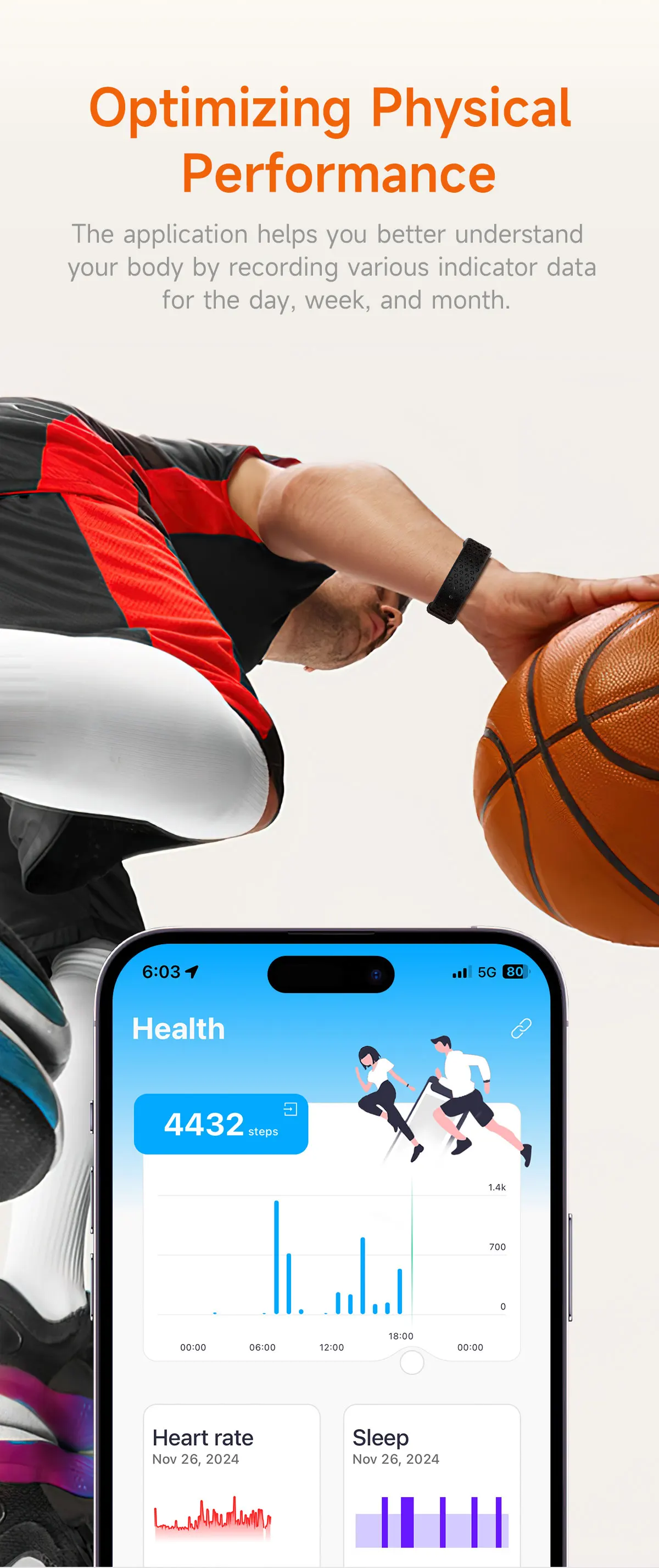
Activity tracked : Step tracker, Distance tracker, Activity tracker
Integrated voice assistant : No
Battery life : 5
Removable band : Yes
Detachable battery : No
Multiple dials : Yes
Rear Camera : None
Battery Capacity : 120-180mAh
Battery Capacity (mAh) : 120-180mAh
SIM card available : No
Category : Smartwatches
Certification : CE
Choice : yes
Compatibility : All compatible
Item Condition : New
Touchscreen : Yes
CPU Manufacturer : MediaTek
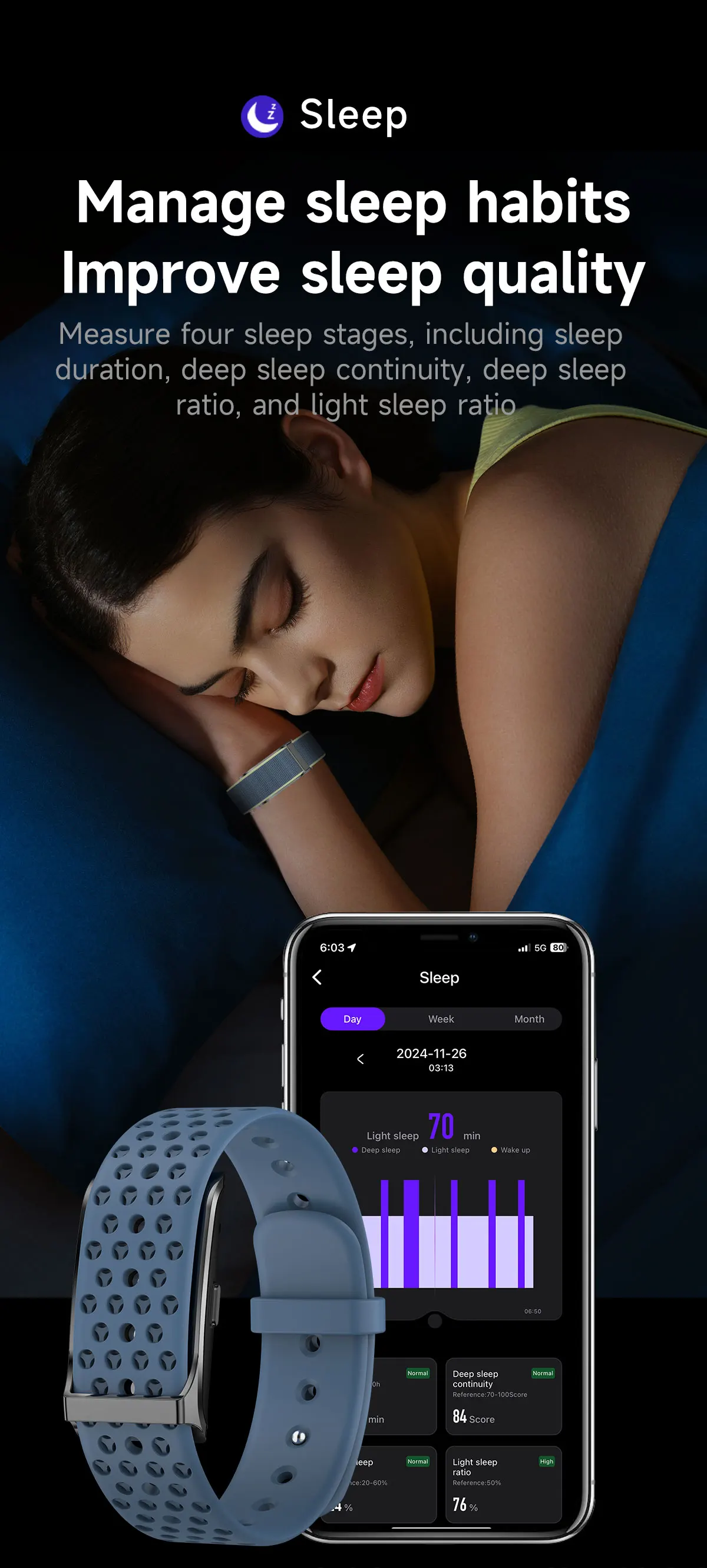
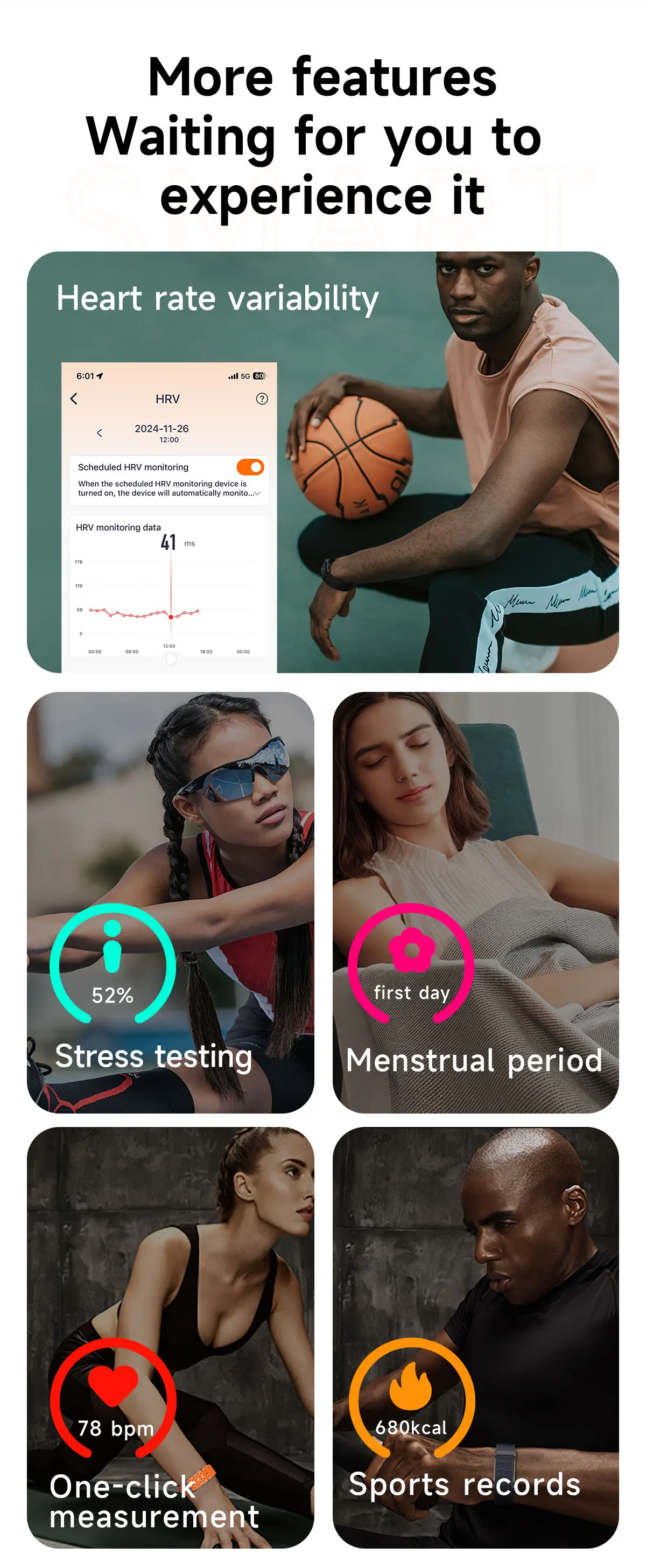
Functions : Call reminder, Message reminder, Fitness tracker, Pedometer, Sleep tracker, Alarm clock, Heart rate monitor
Screen shape : QUISE
GPS : No
App age group : Adult
Languages : English, Russian, Spanish, Polish, Portuguese, Turkish, Italian, French, German, Norwegian, Korean, Japanese, Ukrainian, Hebrew, Dutch, Arabic, Indonesian, Greek
Box Material : Alloy
Screen material : AMOLED
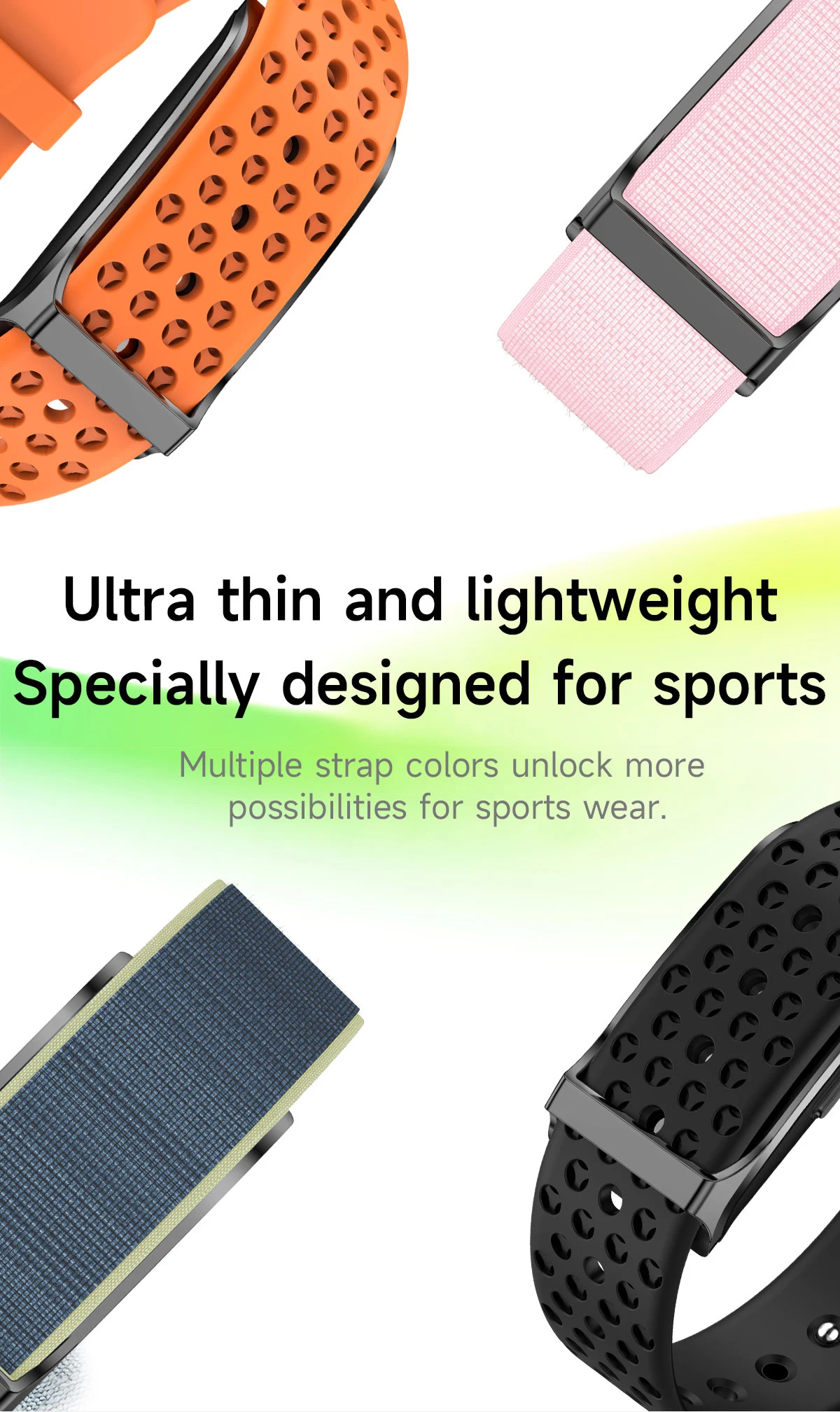
Tape material : Silica gel
Network Mode : None
Model : H59
CPU Model : Smart Watch H59
Mechanism : No
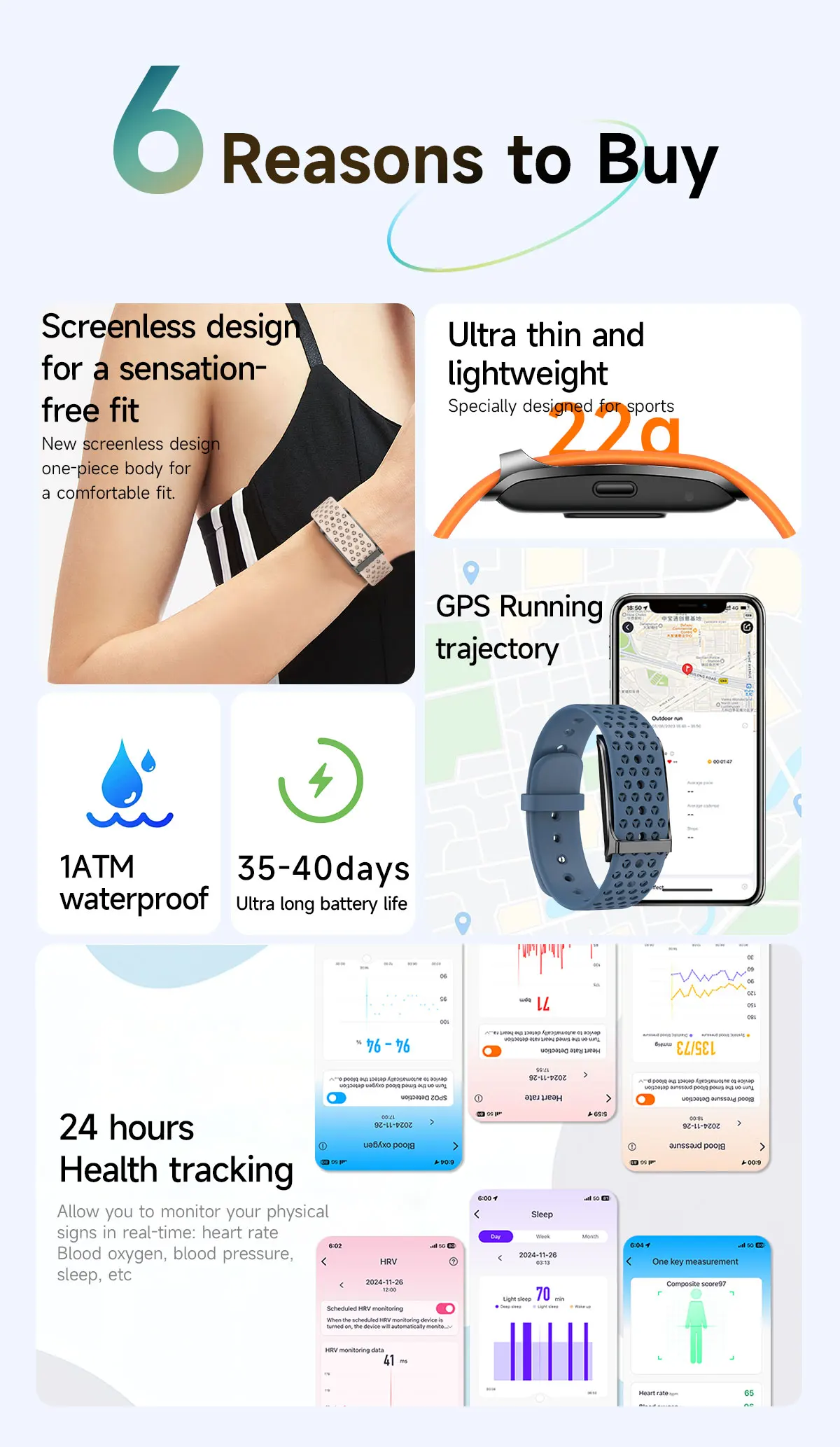
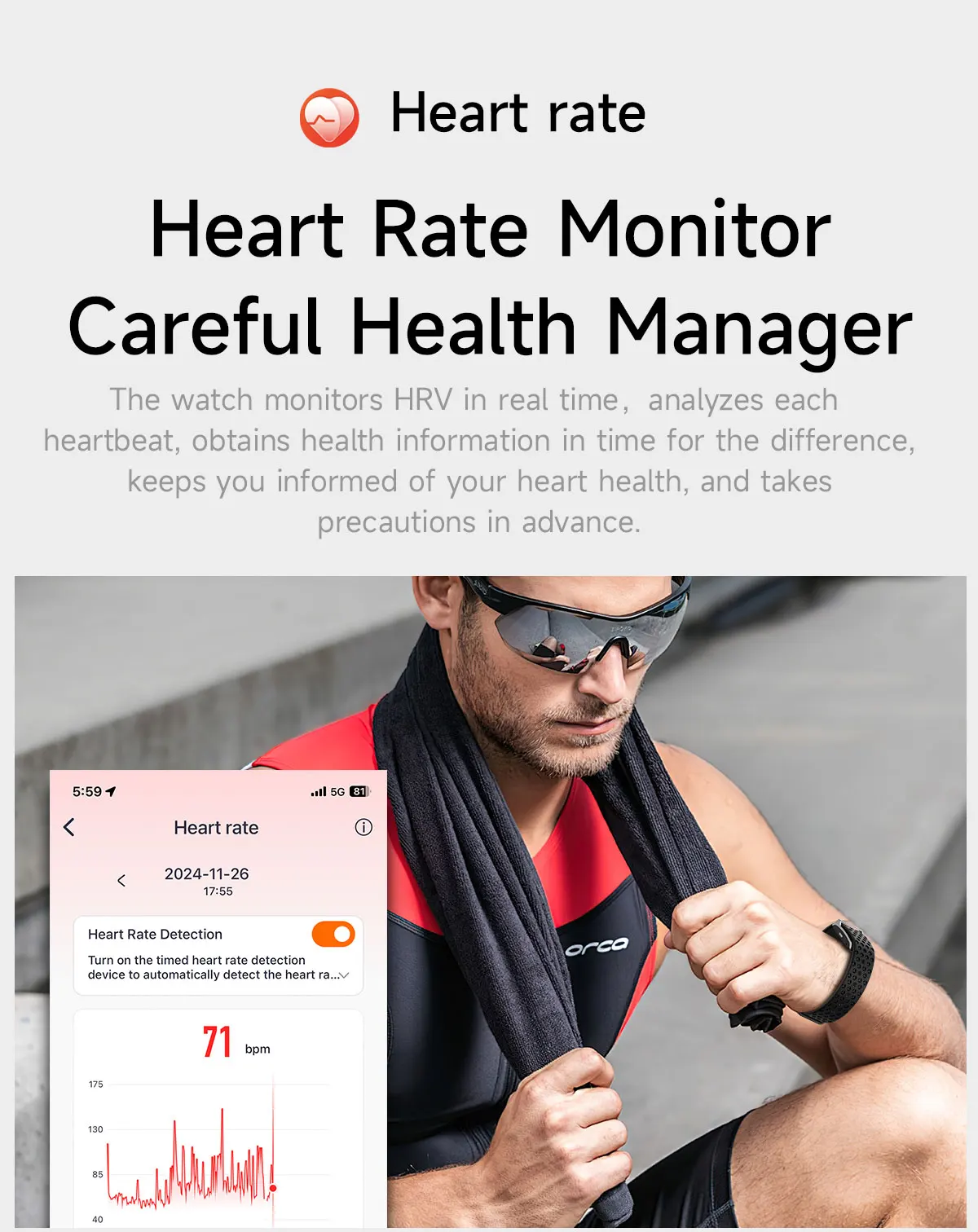
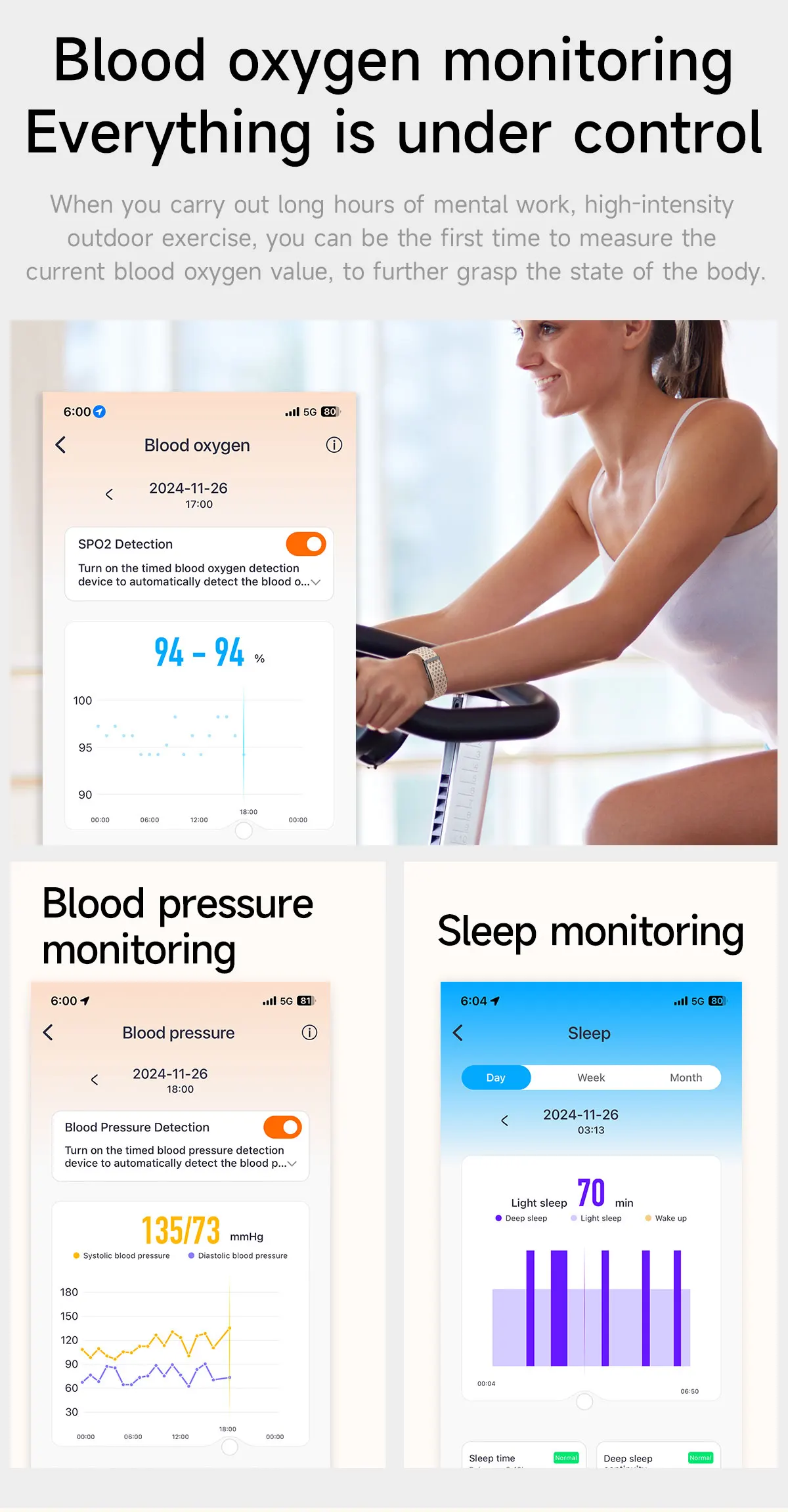
Metrics measured : Heart rate monitor, Blood oxygen monitor, Sleep monitor, Blood pressure monitor
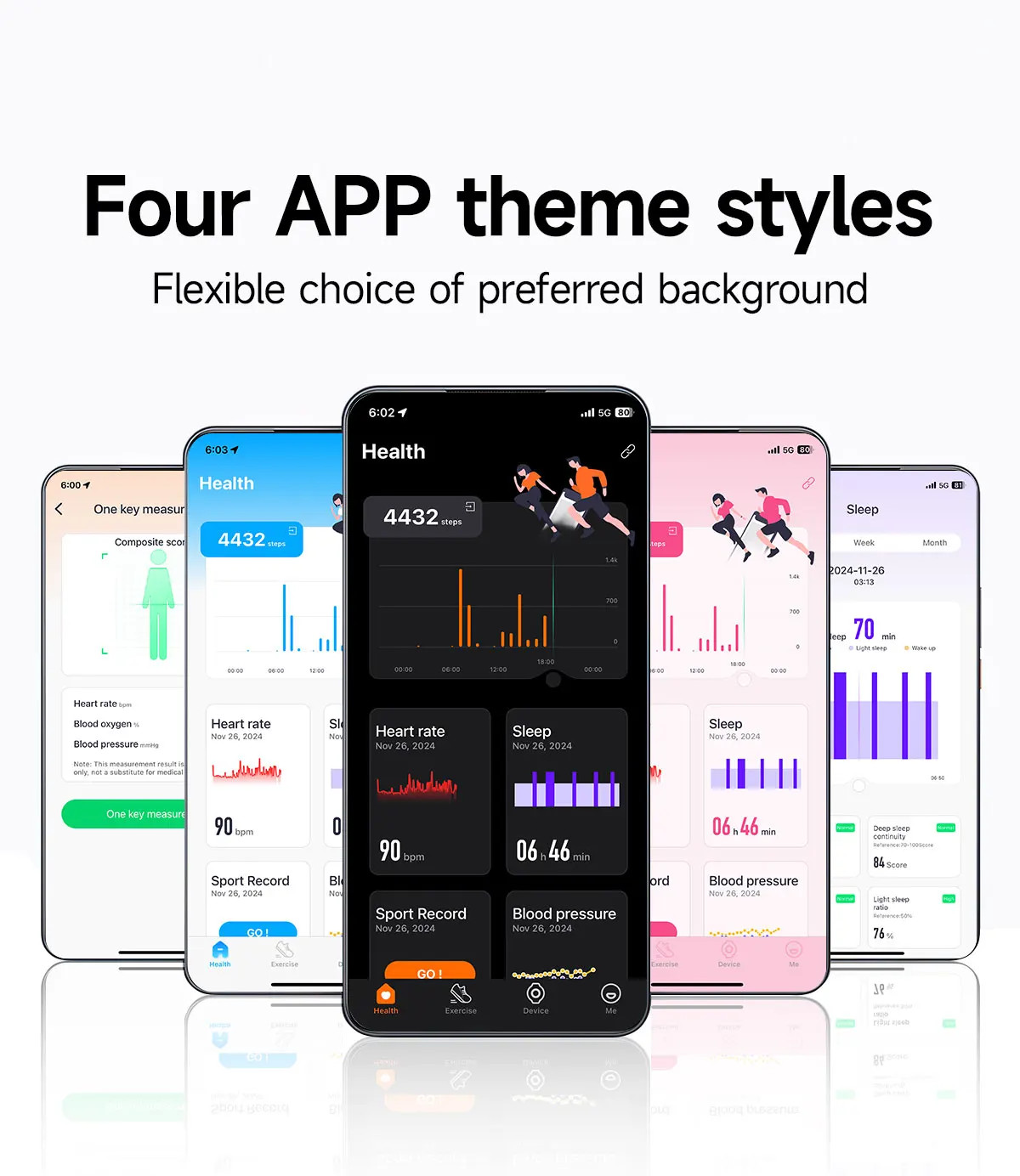
App name : QWatch Pro
Brand name : LIGE
Origin : CN (Origin)
Chemical of high concern : None
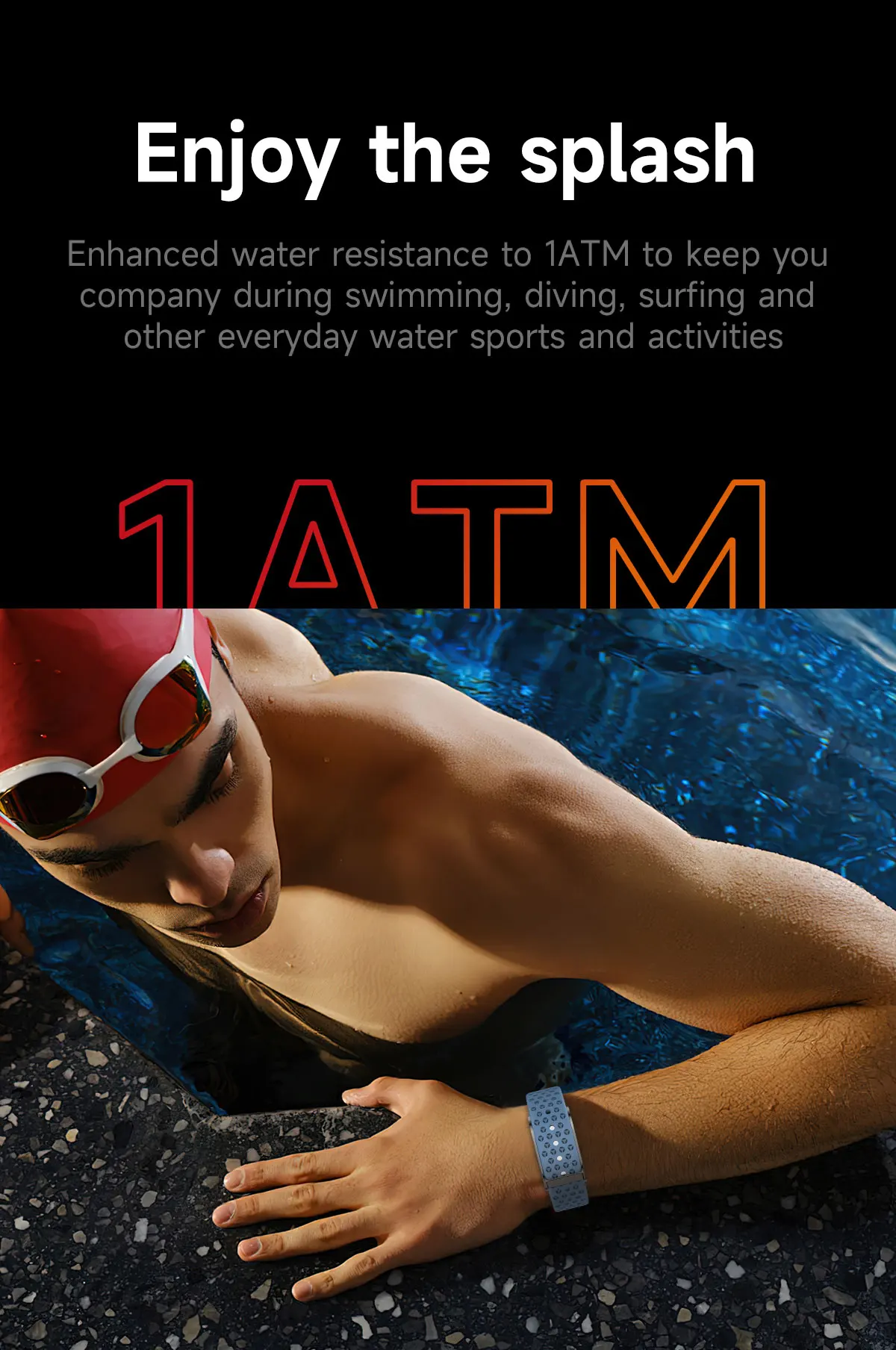
Waterproof quality : Professional waterproof
RAM : <128 MB
ROM : <128 MB
Resolution : 0
Style : Healthy
System : Android port, Android operating system, iOS
Screen size : 0
Type : On the wrist
Accessory type : box,Smart watch,Charging cable,Instruction Manual
Movement type : Electronic
Display type : ANALOG-DIGITAL
App download available : Yes
Bluetooth compatible version : 5.2
WIFI : No
Product parameters
Application name: QWatch Pro.
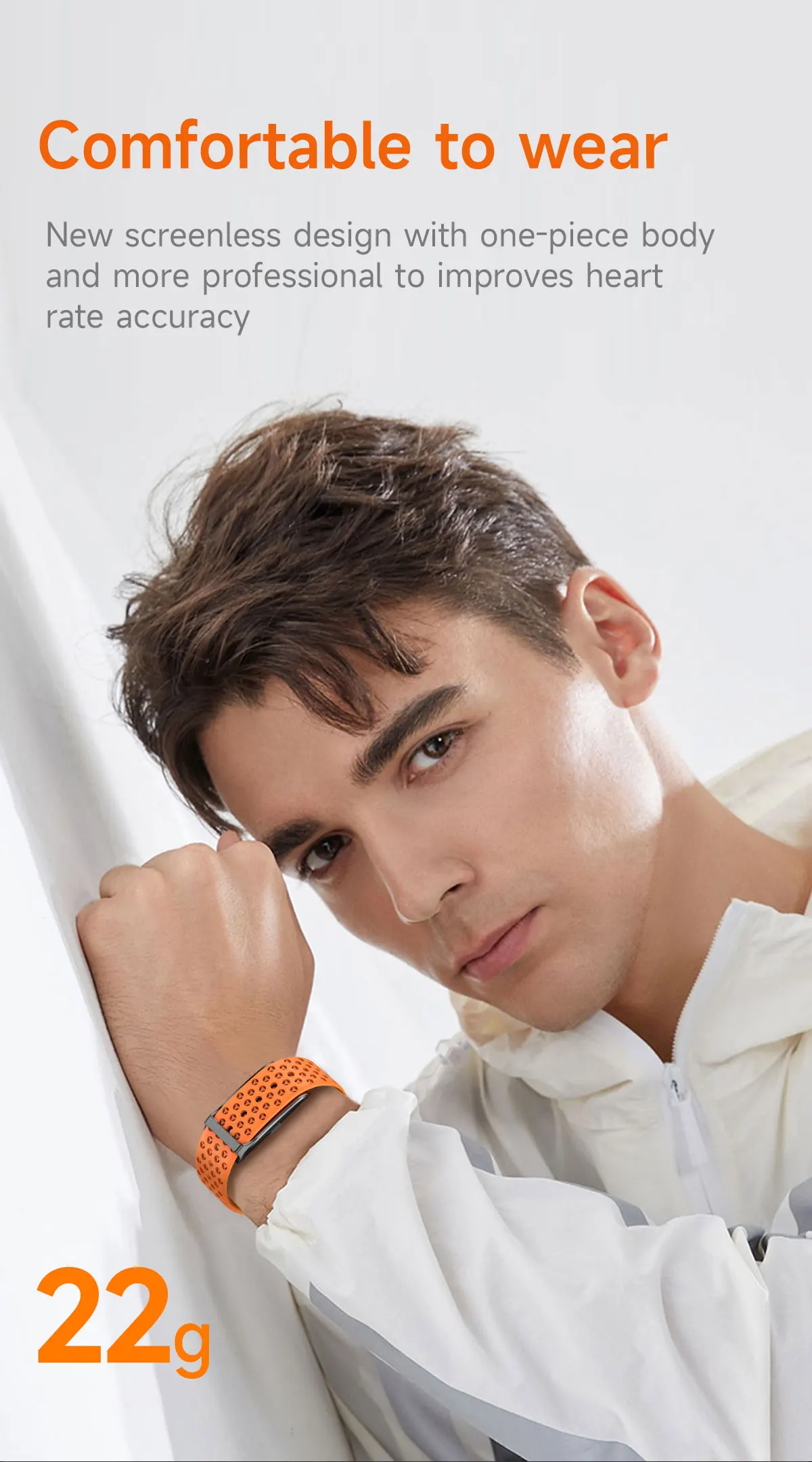
Body size: 42.7*23.5*8
Body material: plastic
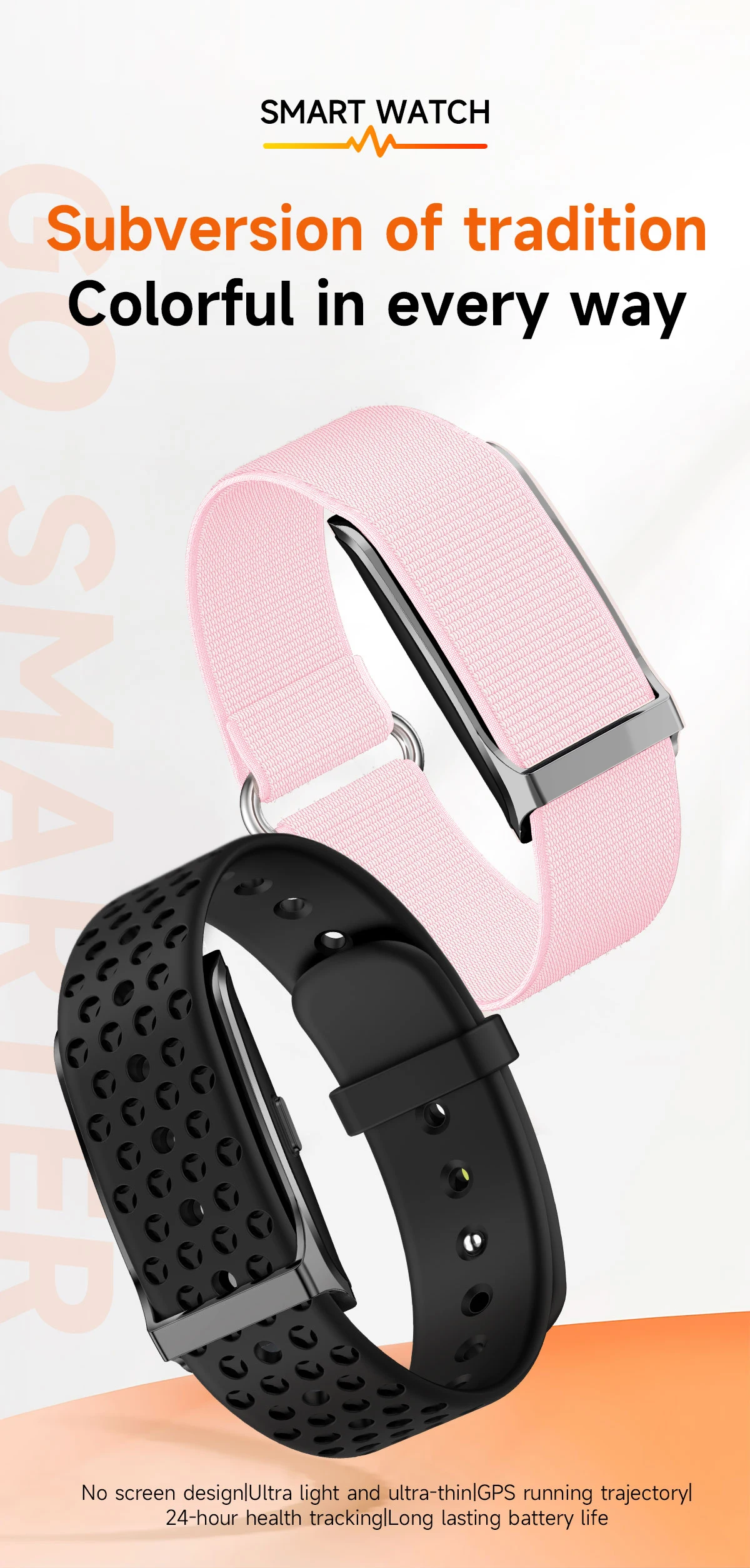
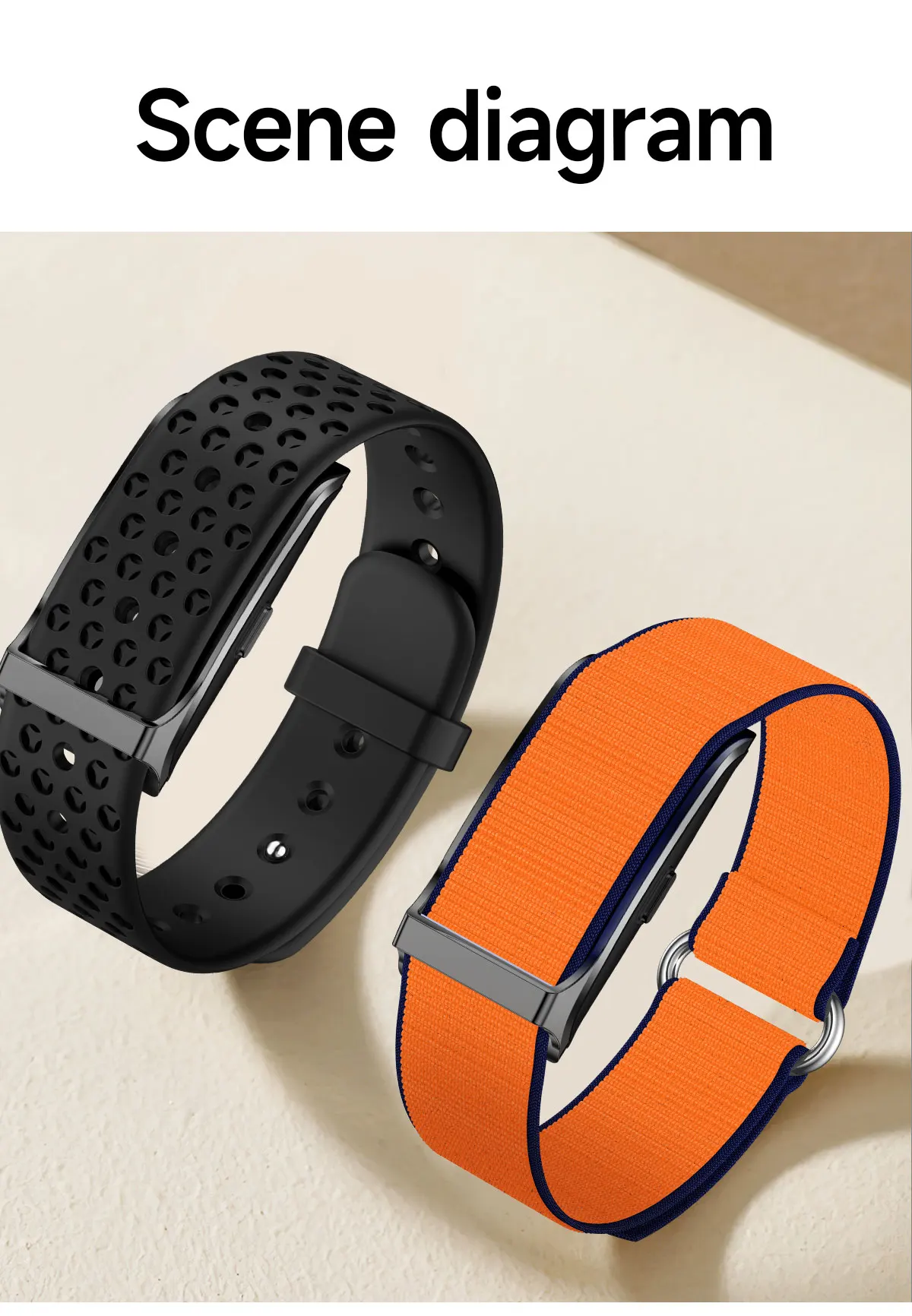
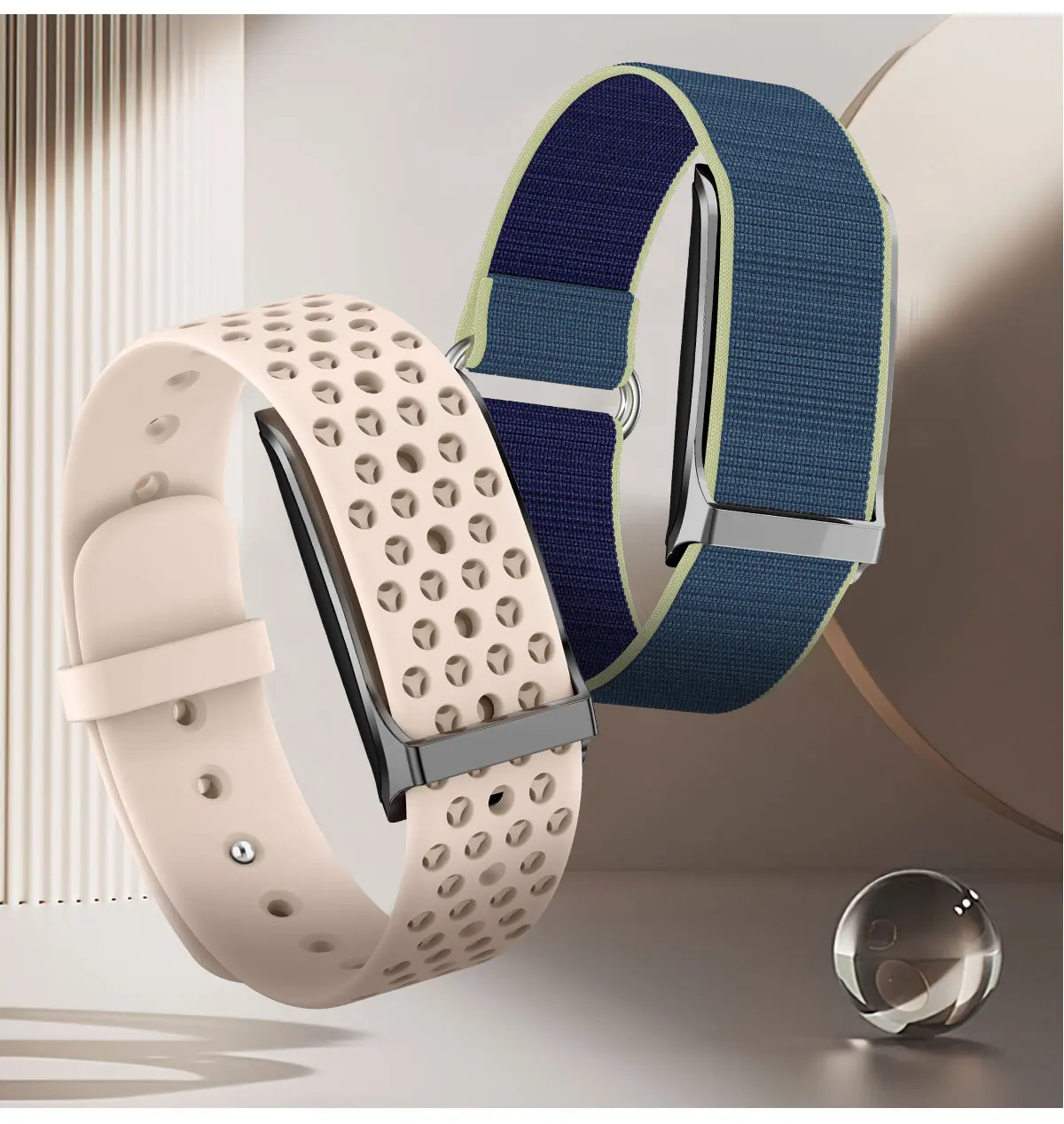
Bracelet material: silicone bracelet/nylon band of your choice.
Vibrating motor: 0820 Welded wire motor
Button: single button
Battery capacity: 150 mAh
Waterproof rating: 1 ATM
Charging time: 2 hours
Charging method: magnetic suction.
CPU Model: Realtek 8762ESF
Bluetooth version: BT5.2
Heart rate chip model: VC30F-S
G-SENSOR:GENSOR:Sensortek STK8321-W
RAM + ROM: RAM640 KB ROM64 MB
Compatible with iOS and Android apps: Android 4.4 (and above), iOS 9.0 (and above)
Watch features
Incoming call reminder, find band, clock, shutter, DND, OTA, 24-hour blood oxygen, 24-hour blood pressure, 24-hour heart rate, sleep, sedentary reminder, code scanning, reset
Language
APP compatible language
English, Simplified Chinese, Japanese, Korean, German, French, Spanish, Arabic, Russian, Traditional Chinese, Ukrainian, Italian, Portuguese, Dutch, Polish, Swedish, Finnish, Danish, Norwegian, Hungarian, Czech, Bulgarian, Romanian, Slovak, Latvian, Indonesian, Thai, Turkish, Vietnamese, Hindi, Pashto, Lithuanian, Estonian, Slovenian, Croatian, Greek, Ph
The package includes
Main unit, charger, wrist strap, instruction manual, packaging box
After receiving the watch, please charge it first. Due to long-distance shipping, the watch battery may be low. Before use, please scan the QR code in the instruction manual to download the app and connect the watch via the app.
FAQ for smartwatch fitness tracker >>
Q: Why is the blood pressure reading deviated from the sphygmomanometer?
A: The difference between the watch reading and the sphygmomanometer reading is determined by various factors. The sphygmomanometer's measurement site is in the radial artery, while the watch's measurement sites are the two main branches of the arterioles. Normally, aortic and arteriolar blood pressure readings vary by a factor of three to forty. If you use a watch and a sphygmomanometer to measure blood pressure simultaneously, the sphygmomanometer will measure the artery in a centrifugal fashion, putting pressure on the lower part of your elbow. This temporarily restricts blood flow to the branch of the artery below, increasing vascular tension and resulting in more skewed upper and lower blood pressure readings.
Q: Why can't the watch receive the push message?
A: Android Phone Settings 1. Check that the message push button is enabled on the mobile client. 2. The confirmation message should normally be displayed in the mobile phone's notification bar. The watch sends the message by reading the mobile phone number's message from the notification bar; if there is no message in the mobile phone number's notification bar, the watch will not be able to receive the push (Need to configure the notification setting in the phone's settings, open WeChat, QQ Phone, SMS, or the mobile client's notification button). 3. Open the auxiliary functions settings of the bracelet client (see the auxiliary function in the phone's settings and open the auxiliary functions settings of the bracelet client).
Apple phone settings: 1. Verify that the message toggle is enabled on the mobile client. 2. The confirmation message should now appear normally in the mobile phone's notification bar (you need to find the notification settings in your phone's settings, open WeChat, QQ Phone, SMS, and the mobile phone client's notification switch).
Q: Why doesn't the pedometer count steps when I've already started walking?
A: To reduce errors, the smartwatch usually sets an initial value of 10; it will count steps when we walk more than 10 steps. The app will display the actual walking steps and start counting from step 10.
Q: Which application is used when connecting to a smartphone?
A: The application is designed by the supplier. You can scan the QR code on the packaging or manual to download it when you receive the item.
Q: Why can't the device start or start properly?
A: Please charge your new device for at least 10 minutes or more before first use. This ensures normal startup and optimal operation. For devices with removable batteries, make sure they are correctly installed before charging.
Q: Unable to find the device during device pairing?
A: Please ensure that the distance between the phone and the device is less than 0.5 m.
Please ensure the device is not experiencing a low battery. If the problem persists after 1.5 hours of charging, please contact us.
Q: Unable to connect the device to the application?
A: Some Bluetooth services for smartphones may malfunction upon restart. Please restart your smartphone to establish a pairing connection.
Q: Why does my Android phone keep disconnecting?
A: Android mobile phone system memory management will force the background application to close. You need to disable power saving mode or place the application in the background (green background). The application will not be forced to close. The application must run in the background; Bluetooth will not disconnect automatically.
Q: Why can't I connect via Bluetooth?
A: 1. Please download the application first.
2. Search for the Bluetooth name on your application, then connect it.
3. You can see the connection request on the phone, click on "pair".
If you have already connected Bluetooth, please delete all Bluetooth devices from your phone.
Q: Is the watch waterproof?
A: BW0423 is splash and sweat resistant, so it's good while you're doing sports. But you can't swim with it.
(Please note: it does not support hot water, hot baths, or steam. Please avoid using and storing the device in a place with high temperature and humidity.)
Although the bracelet can monitor your heart rate, it is not intended for medical use; it is solely designed to help people live healthier lives. All measurement results are for reference only. They are based on algorithms and sensitivities. Therefore, please do not compare them to medical devices. We appreciate your understanding.
Vous pouvez retourner la plupart des articles neufs, non ouverts dans les 30 jours suivant la réception pour un remboursement complet.
Comment retourner ?
Connectez-vous à votre compte → Mes commandes → sélectionnez la commande → cliquez sur Retourner l’article. Un e-mail de confirmation vous sera envoyé dès traitement.