🚚 Tracked delivery to over 140 countries. Track my order
Currency
Autofocus : Yes
Cable length : 1.5M
Image sensor : Volatile memory integrated circuit
Certification : CE
Choice : yes
Function 1 : USB camera
Function 2 : Web camera autofocus
Function 3 : Full HD PC webcam with microphone
Maximum resolution : 1920x1080
Brand name : NoEnName_Null
Origin : CN (Origin)
Package : Yes
Pixels : 2 megapixels
Chemical of high concern : None
Support system : Windows XP, Win7, Win8, Win10M, Mac OS, Vista, Linux
Type : PC webcam / laptop camera
Interface Type : USB
Use to : for USB desktop & laptop, live streaming webcam for video calling
Webcam : 4K/2K/1080p webcams
semi_Choice : yes
NOTE: For versions prior to Windows 7, please purchase a 1080p webcam, otherwise the computer will not display images!
Our camera is the light-free model!
• Video frame rate: 1080P: 30 fps; 2K Webcam: 30 fps; 4K Webcam: 30 fps.
• Output format: MJPG/YUY2
• Microphone: digital microphone
• Interface: USB2.0
• Supported systems: Windows XP, Win7, Win8, Win10M, Mac OS, Vista, Linux


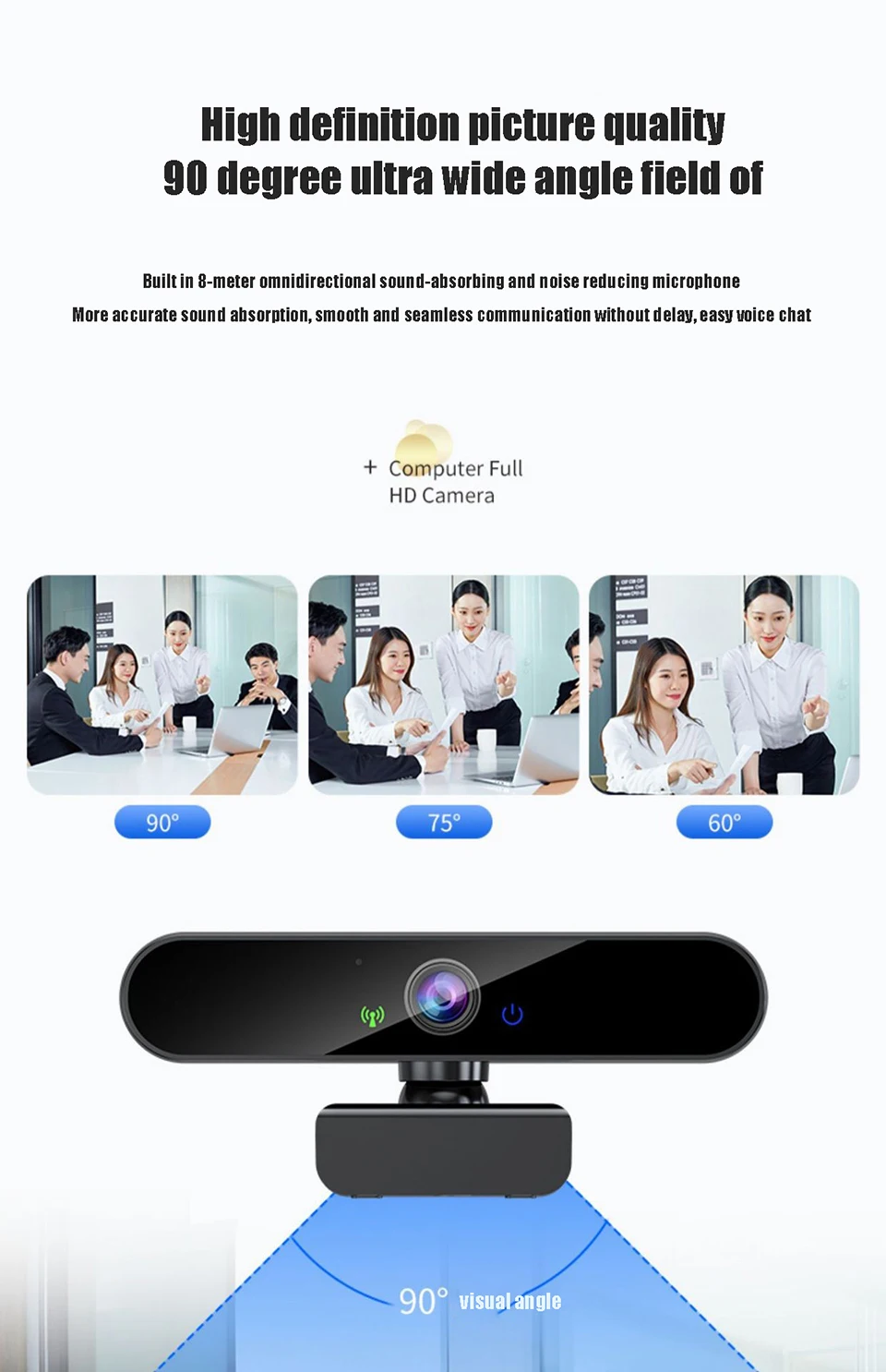
High-definition image quality with an ultra-wide 90-degree field of view
Our webcam's wide 90-degree fixed viewing angle is capable of covering the protagonist and additional details of interest for visual sharing, ideal for capturing the faces of a small crowd on a single screen.


Built-in noise-canceling microphones
Built-in omnidirectional microphone with an 8-meter range, absorbing sound and reducing noise, more precise sound absorption, smooth communication without delay, easy voice chat.

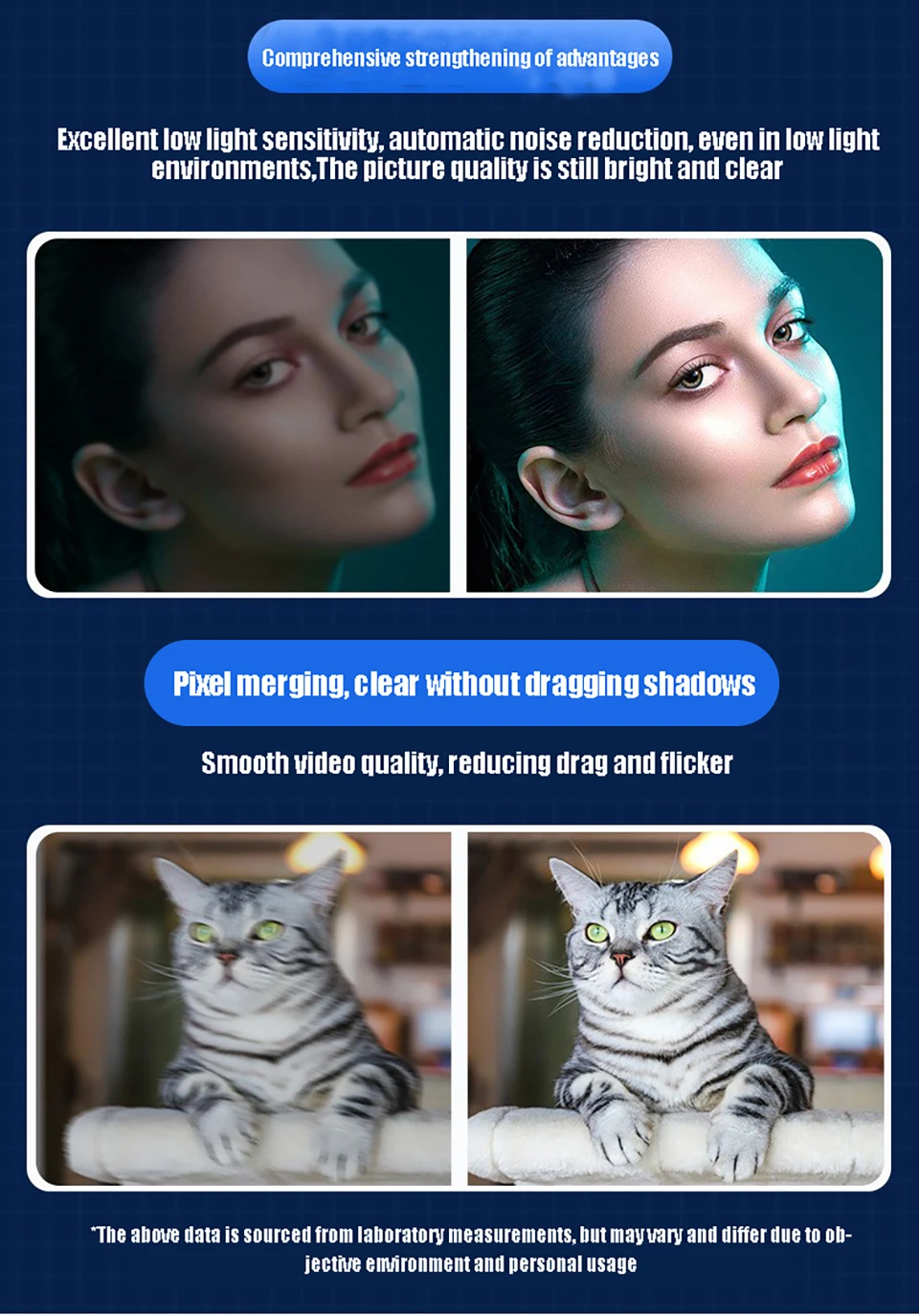
High-definition intelligence, autofocus.
AD autofocus, more precise framing, presentation of high-definition image quality.


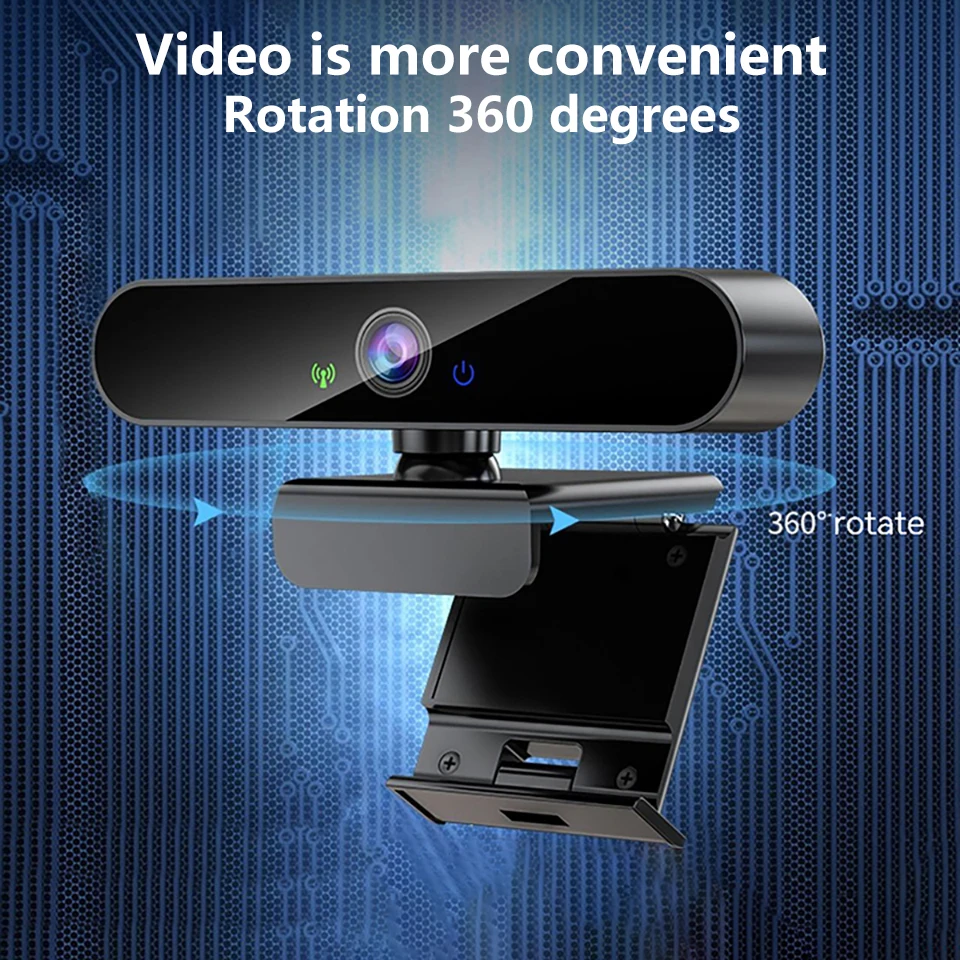
Video is more practical
360-degree rotation

Adjustable base design
Multifunctional base, can be clipped onto the display screen or placed flat on the desk.
Say goodbye to the old full clip base, which can damage the body by blocking the screen.

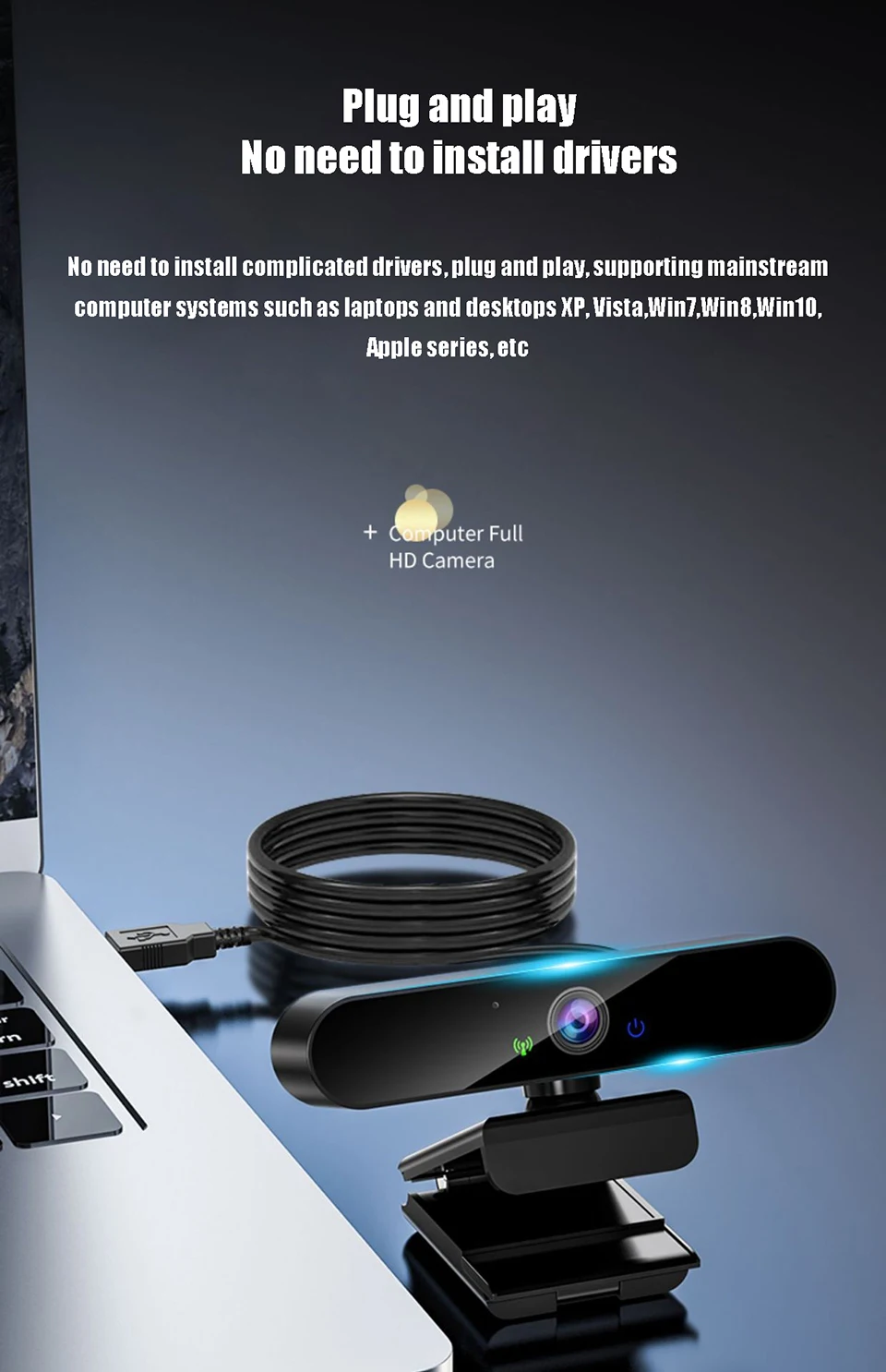
Plug and play, no need to install drivers.
No need to install complicated drivers, plug and play, supports mainstream computer systems such as laptops, desktops, XP, Vista, Win7, Win8, Win10, Apple series, etc...


How do I install the device on the PC?
Place your webcam on a computer, laptop, or monitor in the desired position.
Unfold the universal clip so that it fits onto the top of your monitor or laptop screen.
Manually adjust the webcam up/down to the best position to frame yourself.
Vous pouvez retourner la plupart des articles neufs, non ouverts dans les 30 jours suivant la réception pour un remboursement complet.
Comment retourner ?
Connectez-vous à votre compte → Mes commandes → sélectionnez la commande → cliquez sur Retourner l’article. Un e-mail de confirmation vous sera envoyé dès traitement.